Introduction
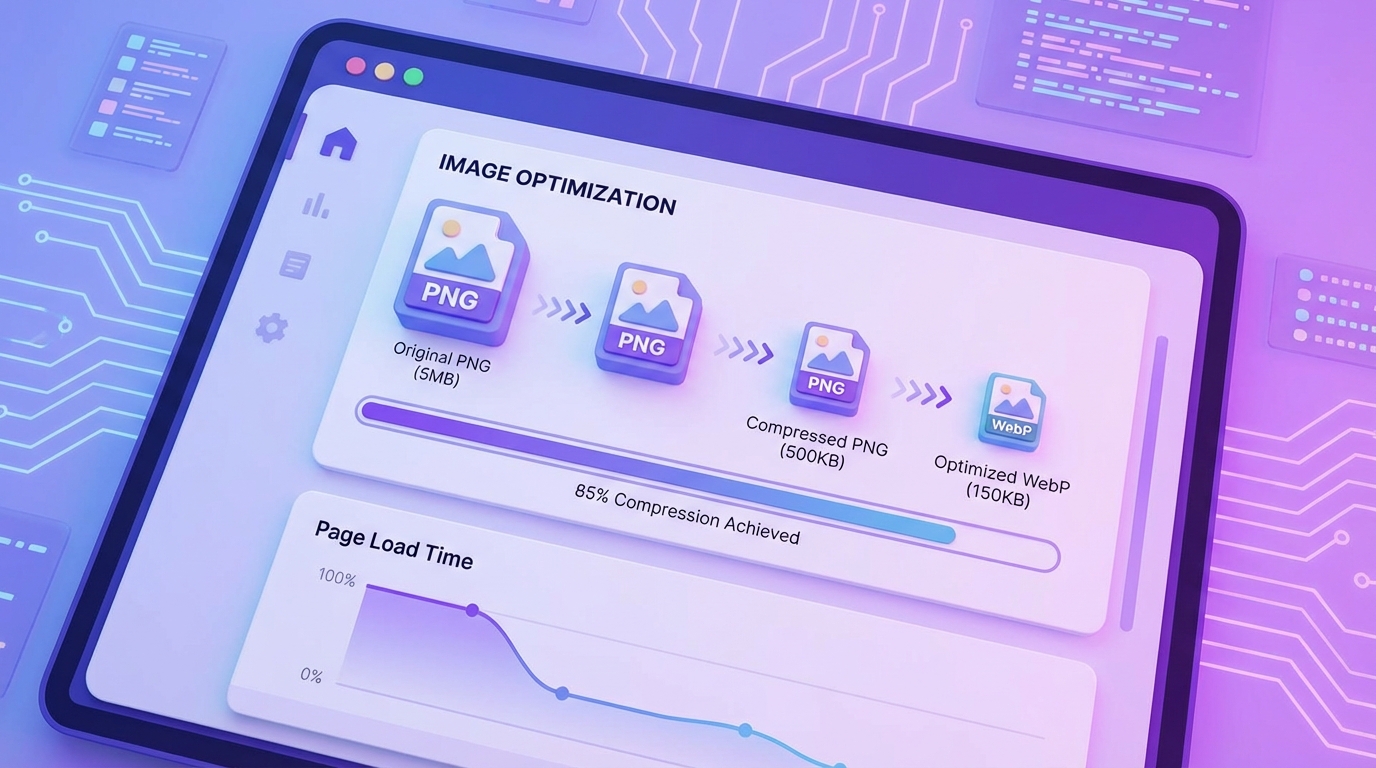
Website speed is one of the most important factors for both user experience and search engine rankings. One of the biggest causes of slow websites is large image files, especially PNG images that have not been optimized.
PNG is widely used for web graphics because it supports transparency and provides high visual quality. However, PNG files can often be much larger than necessary.
Optimizing PNG images helps reduce file size while keeping the image sharp and visually clear.
How Large PNG Files Affect Website Performance
When a website loads, the browser must download every image used on the page. If PNG images are large, they increase the total page size.
This can lead to:
slower page loading
poor mobile performance
higher bounce rates
worse SEO rankings
Search engines prefer websites that load quickly and provide a smooth experience for users.
Benefits of Compressing PNG Images
Optimizing PNG files provides several advantages for websites.
Faster Page Loading
Smaller image files load faster, improving the overall speed of your website.
Better SEO Performance
Search engines consider page speed when ranking websites. Faster pages often perform better in search results.
Improved User Experience
Visitors are more likely to stay on a website that loads quickly and smoothly.
Lower Bandwidth Usage
Compressed images require less data to load, which is especially important for mobile users.
When You Should Use PNG Images
PNG format works best for certain types of images such as:
logos
icons
illustrations
screenshots
images with transparent backgrounds
For large photographs, other formats like JPEG or WebP may produce smaller file sizes.
Simple Tips for PNG Optimization
Here are a few practical ways to optimize PNG images:
Resize Images Before Uploading
Always upload images that match the display size used on the website.
Remove Unnecessary Metadata
PNG files often include hidden information that is not needed on websites.
Use a Compression Tool
Online compression tools allow you to quickly reduce PNG file sizes without reducing visual quality.
Optimize Images Regularly
Whenever new images are added to your website, they should be optimized before publishing.
Final Thoughts
Optimizing PNG images is a simple but powerful way to improve website performance. Smaller image files lead to faster pages, better SEO rankings, and a smoother browsing experience for visitors.
If you manage a website, compressing PNG images should always be part of your workflow.