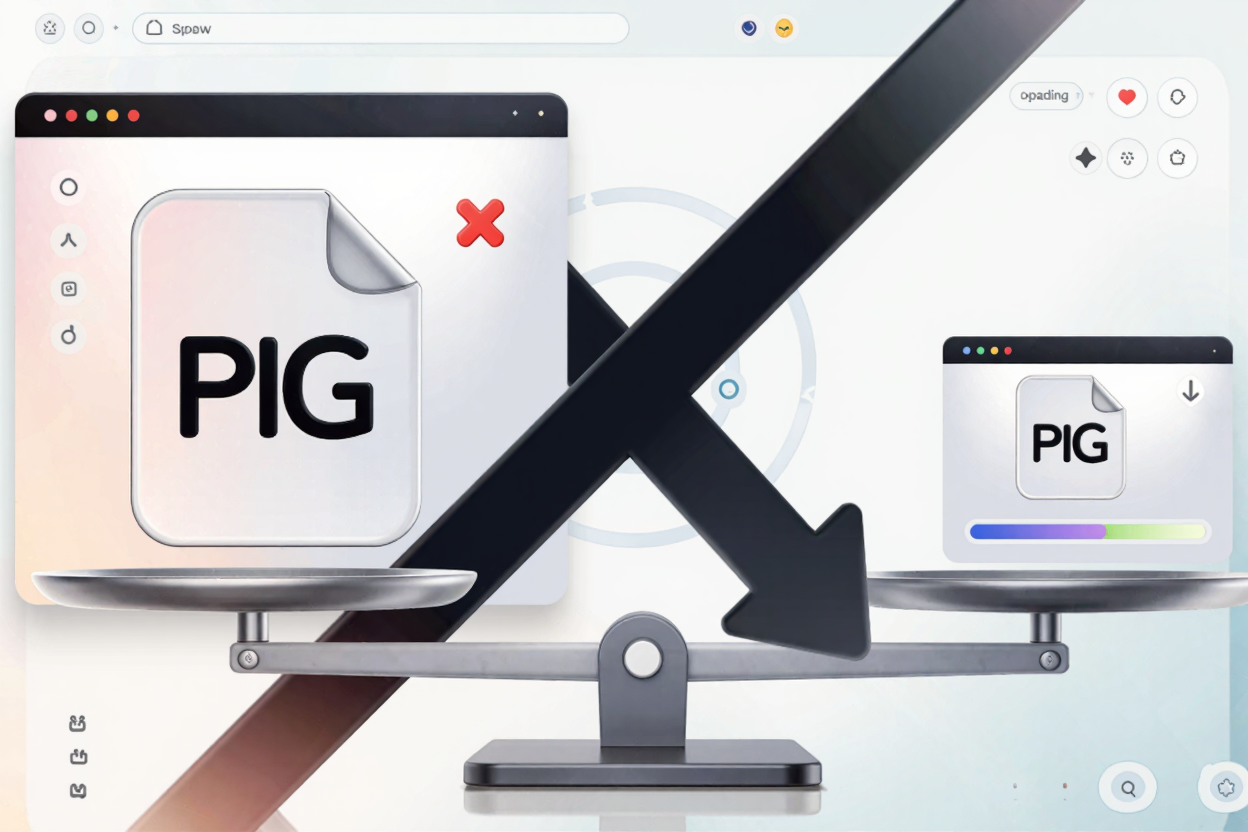
In today's fast-paced digital world, website speed isn't just a luxury—it's a necessity. Users expect instant access to information, and search engines prioritize fast-loading sites. One of the most common culprits behind a sluggish website? Large, unoptimized images.
Images are vital for engaging content, but their size can significantly impact your site's performance. Understanding why this happens and how to mitigate it is crucial for a superior user experience and better search engine rankings.
Why Large Images Are a Website Killer
When you upload an image to your website, its file size contributes directly to the total data that visitors need to download. The larger the image file, the longer it takes for your browser to fetch and render it. This delay can have several negative ripple effects.
First and foremost, it frustrates users. A slow-loading page often leads to high bounce rates, as visitors abandon your site before it even fully appears. This means lost potential customers, readers, or clients.
Secondly, search engines like Google use page speed as a ranking factor. A slow website can be penalized, pushing your content further down in search results. This directly impacts your organic visibility and traffic.
Furthermore, large images consume more bandwidth, which can be costly for both your hosting provider and your users, especially those on mobile data plans. This can lead to a less accessible and less eco-friendly website experience overall.
What Makes an Image "Large"?
An image's size isn't just about its physical dimensions on screen; it's also about its file size in kilobytes (KB) or megabytes (MB). Several factors contribute to a large image file:
- High Resolution: Images taken with modern cameras often have very high resolutions (e.g., 4000x3000 pixels) that are far greater than what's needed for web display. Displaying a 4K image in a 800-pixel wide container is wasteful.
- Unoptimized File Format: Certain image formats, like uncompressed PNGs or TIFFs, inherently have larger file sizes compared to JPEGs or WebP for similar visual quality, especially for photographs.
- Lack of Compression: Many images are uploaded without any compression, meaning they retain all their original data, much of which is redundant for web display.
- Unnecessary Metadata: Images can carry hidden data like camera settings, location information, or copyright details. While useful in some contexts, this metadata adds to the file size and is often unnecessary for web delivery.
How to Fix Large Image Issues and Speed Up Your Site
The good news is that optimizing your images is a straightforward process that can yield significant improvements in website speed. Here are the key strategies:
1. Compress Your Images
Image compression reduces file size by removing redundant data or by selectively discarding less important information (lossy compression). For images where transparency or sharp lines are crucial, like logos or graphics, lossless compression is ideal. It reduces file size without any perceptible loss in quality.
Tools like compress your PNG files for free can drastically reduce the file size of your PNG images without compromising their visual integrity. This is often the quickest and most impactful change you can make.
2. Resize and Scale Images Appropriately
Before uploading, resize your images to the maximum dimensions they will be displayed on your website. If your blog post images are never wider than 800 pixels, there's no need to upload a 3000-pixel wide image. Most image editing software allows for easy resizing.
Additionally, implement responsive images using HTML's srcset attribute. This allows browsers to choose the most appropriate image size for the user's device and screen resolution, preventing mobile users from downloading unnecessarily large images.
3. Choose the Right File Format
Different image formats are suited for different purposes:
- JPEG: Best for photographs and complex images with many colors and gradients. It uses lossy compression, offering a good balance between quality and file size.
- PNG: Ideal for images with transparency, logos, line art, and graphics with sharp edges. It uses lossless compression, preserving detail perfectly.
- WebP/AVIF: Modern formats that offer superior compression and quality compared to JPEGs and PNGs. They are gaining wider browser support and are excellent choices for future-proofing your site.
If you're dealing with HEIC files from iPhones, remember to convert them. Our <a href="https://convertminify.com/tools/heic-to-png" target="_blank" rel="noopener noreferrer">HEIC to PNG Converter</a> can help you transform these into web-friendly PNGs, ready for further optimization.
4. Implement Lazy Loading
Lazy loading defers the loading of images that are not immediately visible in the user's viewport. Images only load as the user scrolls down the page. This significantly improves the initial page load time, making your website feel much faster.
Most modern content management systems (CMS) and many plugins offer built-in lazy loading features. You can also implement it manually with JavaScript.
5. Utilize a Content Delivery Network (CDN)
A CDN stores copies of your website's static content, including images, on servers located around the globe. When a user visits your site, the CDN delivers the images from the server geographically closest to them. This reduces latency and speeds up image delivery, especially for a global audience.
6. Leverage a Dedicated Optimization Tool
For continuous and effortless optimization, integrate a specialized tool into your workflow. A PNG optimization tool can automate the compression process, ensuring all your images are web-ready before they even hit your server. This saves time and guarantees consistent performance.
By consistently applying these strategies, you can transform a slow, image-heavy website into a fast, responsive, and user-friendly experience. Remember, every kilobyte counts when it comes to web performance.
FAQ
What is the ideal image file size for web?
While there's no single