PNG (Portable Network Graphics) files have become an indispensable format in the digital world, largely thanks to their superior handling of transparency. For anyone working with web design, graphic creation, or digital media, understanding how PNG transparency and its underlying alpha channels function is crucial. This knowledge empowers you to create visually rich, performant, and professional digital assets.
What is Transparency in Digital Images?
At its core, transparency in digital images refers to the ability for parts of an image to be see-through, allowing the background or underlying elements to show through. Unlike opaque images, which completely block out whatever is behind them, transparent images blend seamlessly with their surroundings.
This capability is vital for creating sophisticated layouts and designs. Imagine placing a logo on a colored background without a white box around it, or overlaying an icon without obscuring the text beneath. Transparency makes these design elements possible, enhancing visual integration and flexibility.
The Power of PNG: Beyond Basic Transparency
While some older formats offered basic transparency (often a single color designated as transparent), PNG revolutionized this by introducing true, variable transparency. This advanced capability is what sets PNG apart, especially when compared to formats like JPEG, which does not support transparency at all.
PNG's strength lies in its ability to store not just color information, but also data about the opacity of each pixel. This is where the concept of the "alpha channel" comes into play, providing a sophisticated mechanism for controlling how transparent or opaque every single pixel can be.
Decoding the Alpha Channel
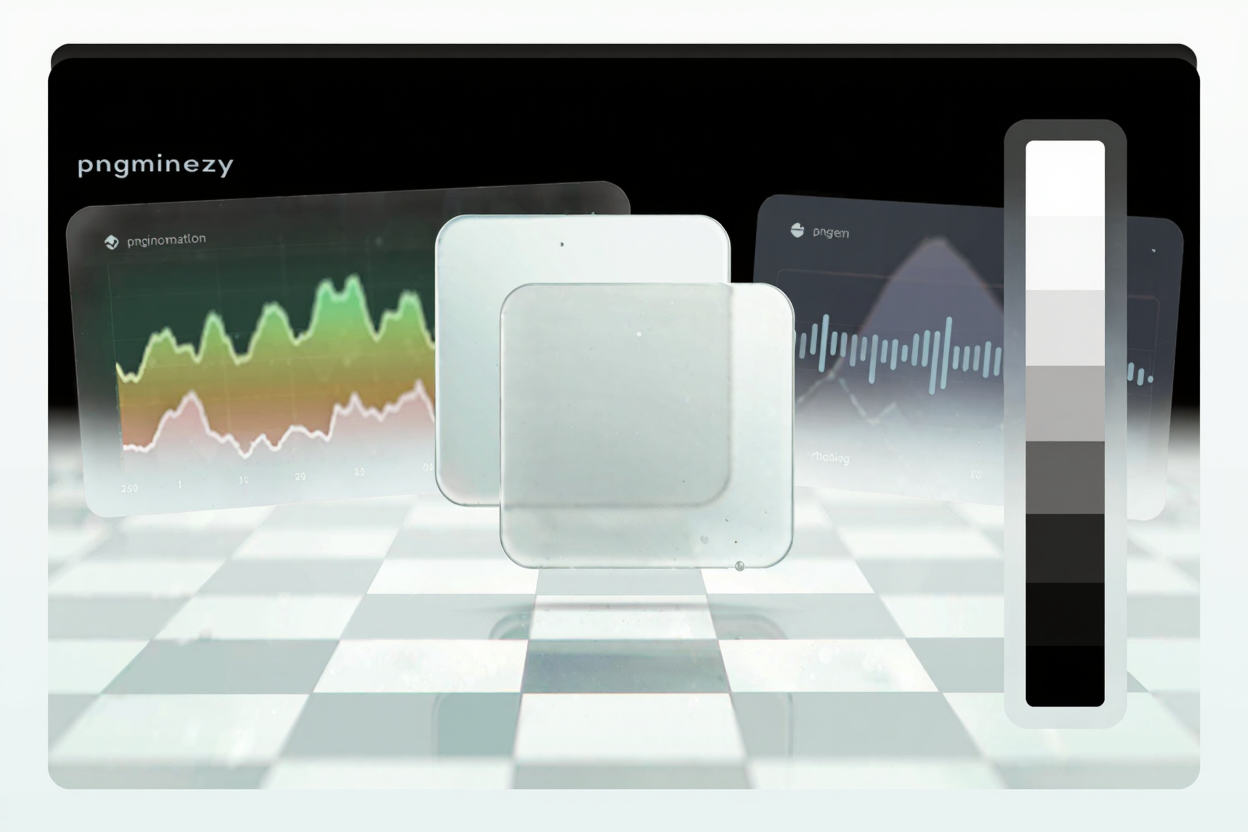
An alpha channel is essentially an extra data channel within an image, separate from the red, green, and blue (RGB) color channels. This channel stores information about the transparency of each pixel, typically using an 8-bit scale. This means each pixel can have 256 levels of opacity, ranging from fully transparent to fully opaque.
Think of it as a dimmer switch for each pixel. A value of 0 means the pixel is completely transparent (invisible), while a value of 255 means it’s fully opaque (solid). Intermediate values, like 128, represent semi-transparency, allowing objects to be partially visible through the image.
How Alpha Channels Create Smooth Edges and Drop Shadows
The magic of the alpha channel extends beyond simple see-through areas; it enables incredibly smooth edges, known as anti-aliasing. When an image with an alpha channel is placed over a background, the pixels along its edges can be rendered with varying degrees of transparency.
This gradual blending prevents the jagged, stair-step appearance often seen with basic transparency methods. It's also how professional-looking drop shadows and soft glows are achieved, where the shadow gradually fades from opaque to transparent, creating a natural depth effect without harsh lines.
Practical Applications of PNG Transparency
PNG transparency is a cornerstone for many digital design tasks, offering immense versatility:
- Web Design: Designers can layer elements, create complex backgrounds with transparent overlays, and ensure logos adapt perfectly to any website theme or color scheme. This dramatically improves visual continuity and user experience.
- Graphic Design: For creating composite images, collages, or adding elements to existing photos, PNGs allow seamless integration. Think of placing a product cutout onto a lifestyle image without any visible borders.
- Branding: Company logos often incorporate transparency to ensure they look professional and consistent across various marketing materials, from websites to print collateral, without needing multiple versions for different backgrounds.
- Iconography: Icons and small graphical elements benefit greatly from transparency, allowing them to float cleanly within user interfaces and adapt to different UI themes.
The Performance Impact of PNG Transparency
While the visual benefits of PNG transparency are undeniable, it's important to acknowledge its impact on file size. Storing that extra 8-bit alpha channel for every pixel means transparent PNGs typically contain more data than their opaque counterparts or JPEGs of similar dimensions and quality.
Larger file sizes can lead to slower loading times for web pages, consuming more bandwidth and potentially frustrating users. This is why optimizing transparent PNGs is not just a best practice, but a necessity for maintaining a fast, efficient, and user-friendly digital presence. You can easily compress your PNG files for free to mitigate this issue.
Optimizing Transparent PNGs for Web and Beyond
To harness the power of PNG transparency without sacrificing performance, optimization is key. This involves reducing the file size of your PNGs while preserving their visual quality and, crucially, their transparency.
Various techniques, such as lossless compression, color palette reduction, and metadata stripping, can significantly shrink PNG file sizes. Utilizing a dedicated PNG optimization tool can automate this process, making it simple to achieve optimal results. For instance, if you need to compress your PNG files for free or even manage other file types, like when you need to <a href="https://pdfalone.com/tools/compress-pdf" target="_blank" rel="noopener noreferrer">Compress PDF</a> documents, efficient tools are readily available to streamline your workflow and ensure your digital assets are both visually appealing and performant.
FAQ
What's the difference between PNG and JPG transparency?
JPG (JPEG) files do not support transparency at all; any transparent areas will be filled with white or black. PNG files, however, use an alpha channel to support true, variable transparency, allowing for smooth, semi-transparent effects and seamless integration with backgrounds.
Can all image editors handle PNG transparency?
Most modern image editing software, such as Adobe Photoshop, GIMP, and even web-based editors, fully support PNG transparency and alpha channels. Older or very basic image viewers might display transparent areas as solid white or black, but this is rare in contemporary software.
Does compressing a PNG affect its transparency?
Lossless PNG compression techniques, like those used by PNGMinify, are designed to reduce file size without any loss of image quality or transparency. The alpha channel data remains intact and accurate. Lossy compression, if applied, could potentially alter color information but typically preserves the alpha channel's integrity for transparency.
Understanding PNG transparency and alpha channels empowers you to create stunning, adaptable digital designs. Don't let large file sizes slow you down. Optimize your transparent PNGs effortlessly with PNGMinify and ensure your visuals are always sharp, seamless, and fast-loading.