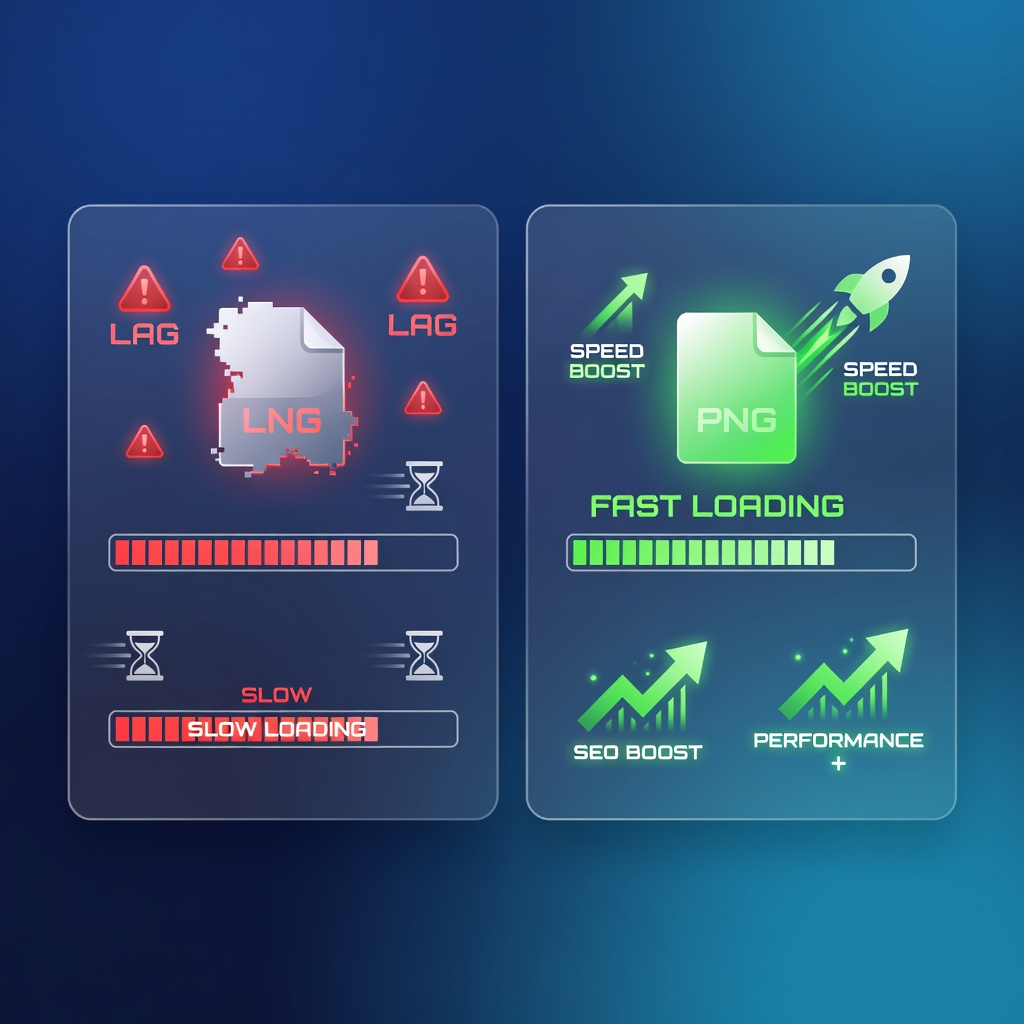
The Ultimate Guide to PNG Compression: Boost Website Speed & SEO
In today's fast-paced digital world, website speed is no longer a luxury – it's a necessity. Users expect instant access to information, and search engines like Google heavily penalize slow-loading sites. At the heart of many slow websites lie unoptimized images, particularly large PNG files.
This comprehensive guide will dive deep into the world of PNG compression, explaining its critical role in enhancing your website's performance, improving your search engine rankings, and delivering an unparalleled user experience. We'll explore the benefits, methods, and best practices, ultimately showing you how to effortlessly optimize PNG images for a truly fast-loading website.
Why PNG Compression is Non-Negotiable for Your Website
Images are vital for engaging content, but they often come with a hidden cost: large file sizes. PNG (Portable Network Graphics) is a popular image format, especially favored for graphics, logos, and images requiring transparency. While PNGs offer superior quality and transparency, their uncompressed file sizes can be substantial, directly impacting your site's speed.
PNG compression is the process of reducing the file size of PNG images without significantly compromising their visual quality. This optimization is crucial for several key reasons that directly affect your online success.
1. Skyrocket Your Website Speed
Perhaps the most immediate and impactful benefit of PNG compression is the dramatic improvement in website loading speed. Large image files are often the primary culprit behind slow page load times. When a user visits your site, their browser has to download every element, including images.
By compressing your PNGs, you significantly reduce PNG file size, meaning less data needs to be transferred. This translates to faster download times, allowing your pages to render quicker. A speedy website keeps visitors engaged and reduces frustration, making for a much smoother browsing experience.
2. Supercharge Your SEO Performance
Search engine optimization (SEO) is a relentless pursuit, and every advantage counts. Google and other search engines explicitly state that page speed is a ranking factor. Websites that load quickly are favored in search results, giving them a competitive edge.
Optimized images contribute directly to this. Faster loading times lead to better Core Web Vitals scores, which are crucial metrics Google uses to assess user experience. By implementing effective image optimization through PNG compression, you're signaling to search engines that your site provides a high-quality experience, potentially boosting your rankings and visibility.
3. Enhance User Experience (UX)
Beyond SEO and raw speed, user experience is paramount. Imagine clicking a link and waiting several agonizing seconds for a page to load. Most users won't wait. They'll bounce back to the search results, costing you potential conversions, readers, or customers.
Fast loading websites create a seamless and enjoyable experience. Users can navigate your content without frustrating delays, leading to longer session durations, lower bounce rates, and increased engagement. This positive interaction fosters trust and encourages repeat visits, which is invaluable for any online presence.
4. Save Bandwidth and Storage Costs
While often overlooked, reducing PNG file size also has practical benefits for your hosting. Smaller files consume less server storage space and require less bandwidth when served to visitors. For high-traffic websites or those on limited hosting plans, these savings can add up over time, making your operation more efficient and cost-effective.
How PNG Compression Works: Lossless vs. Lossy
Understanding how PNG compression functions can help you make informed decisions. PNG is primarily known for lossless PNG compression. This means that when you compress a PNG file, no data is permanently discarded. The compression algorithms work by identifying and removing redundant information, re-arranging data more efficiently, or using clever encoding techniques.
For example, if a PNG image has large areas of a single color, a lossless compressor can describe that area more compactly than storing each pixel's color individually. The original image can be perfectly reconstructed from the compressed data.
While some tools might offer 'lossy' options for PNGs (often by reducing the color palette), the strength of PNG lies in its lossless nature, making it ideal for sharp graphics, text, and images where every pixel's integrity is crucial. When we talk about optimize PNG for websites, we usually aim for the best possible lossless compression.
Methods to Optimize PNG Images
There are several ways to approach image optimization for PNGs, ranging from manual software to automated online tools.
1. Desktop Software (Manual Control)
Professional image editing software like Adobe Photoshop, GIMP, or Affinity Photo allow you to save images for web, often including PNG compression options. While these offer granular control, they require software installation, technical knowledge, and can be time-consuming for bulk optimization.
2. Command-Line Tools (Advanced Users)
Tools like OptiPNG, Pngquant, or Zopfli are powerful command-line utilities for advanced users and developers. They offer highly efficient compression but require a comfort level with command-line interfaces, making them less accessible for the average website owner.
3. Online PNG Compressors (Easiest and Most Efficient)
For the vast majority of website owners, content creators, and marketers, online PNG compressor tools are the most convenient and efficient solution. These web-based platforms allow you to upload your PNG files, and their servers handle the complex compression algorithms, returning an optimized file in seconds. They require no software installation, are often free, and are incredibly user-friendly.
Actionable Tips for Maximum PNG Optimization
To truly harness the power of PNG compression and achieve fast loading websites, consider these practical tips:
- Always Compress Before Uploading: Make it a habit to run every PNG through a compressor before adding it to your website. This prevents large files from ever making it onto your server.
- Right Dimensions Matter: Compression is great, but don't upload a 4000px wide image if it will only display at 800px. Resize images to their maximum display dimensions before compression. This is a fundamental step in image optimization.
- Choose the Right Format: While this guide focuses on PNGs, remember to use the correct image format for the job. PNGs are best for images with transparency, sharp lines, or text. JPEGs are generally better for photographs with many colors and gradients, as they can achieve much higher compression with lossy methods.
- Regularly Audit Your Site: Periodically check your website for unoptimized images. Many SEO tools offer site audits that can identify large image files. Revisit older content and apply PNG compression to improve its performance.
- Use Responsive Images: Implement responsive image techniques (e.g.,
srcsetandsizesattributes) to serve different image sizes based on the user's device. Even with compression, serving a smaller image to a mobile user is more efficient.
Introducing pngminify.com: Your Go-To Online PNG Compressor
At pngminify.com, we understand the critical need for speed and efficiency. That's why we've developed a powerful, free, and incredibly easy-to-use online PNG compressor designed to help you reduce PNG file size without compromising quality.
Our tool leverages advanced lossless PNG compression algorithms to shrink your images significantly, often by 50-80% or more, resulting in dramatic improvements to your website's performance. You don't need any technical expertise; simply upload your files, and we'll do the rest.
How to Use pngminify.com in 3 Simple Steps:
- Upload Your PNGs: Drag and drop your PNG files directly onto the page, or click to select them from your computer. You can upload multiple images at once for batch processing.
- Compress Automatically: Our intelligent system instantly begins the PNG compression process. You'll see the original and compressed file sizes, along with the percentage of reduction.
- Download Your Optimized Images: Once compressed, you can download your newly optimized PNGs individually or as a convenient ZIP archive. It's that simple to optimize PNG for your website!
Using pngminify.com is a quick and effective way to ensure your images are web-ready, contributing to a fast loading website and superior SEO image optimization.
The Future is Fast: Embrace Image Optimization
The digital landscape is constantly evolving, with user expectations for speed and seamless experiences only growing. Neglecting image optimization is a costly mistake that can hinder your website's growth, frustrate visitors, and negatively impact your search engine visibility.
By embracing PNG compression and making it an integral part of your content creation workflow, you're investing in a faster, more engaging, and more successful online presence. Tools like pngminify.com make this process accessible and efficient for everyone.
Frequently Asked Questions About PNG Compression
### What exactly is PNG compression?
PNG compression is the process of reducing the file size of PNG images. This is typically done using lossless algorithms, meaning the image quality remains identical to the original, but the data is stored more efficiently. The goal is to make images load faster on websites and consume less storage.
### Will compressing my PNGs affect their visual quality?
With lossless PNG compression, your image's visual quality will not be affected. The compression techniques employed by tools like pngminify.com ensure that every pixel remains identical to the original, only the file size is reduced. This is one of the key advantages of optimizing PNGs.
### How much can I expect to reduce PNG file size?
The amount of file size reduction varies depending on the original image and its complexity. However, it's common to see reductions of 50% to 80% or even more for some PNG files. This significant reduction directly contributes to a fast loading website and improved SEO image optimization.
### Is pngminify.com really free to use?
Yes, pngminify.com is completely free to use! We believe that everyone should have access to powerful tools that help them create fast loading websites and improve their online presence without any cost barriers. There are no hidden fees or subscriptions required to optimize PNG files with our service.
Ready to Experience a Faster Website?
Don't let large image files hold your website back any longer. Unlock the full potential of your online presence with optimized PNGs. Boost your website speed, improve your SEO rankings, and deliver an exceptional user experience today.
Start compressing your PNGs for free right now! Visit pngminify.com and see the difference a truly optimized website can make.