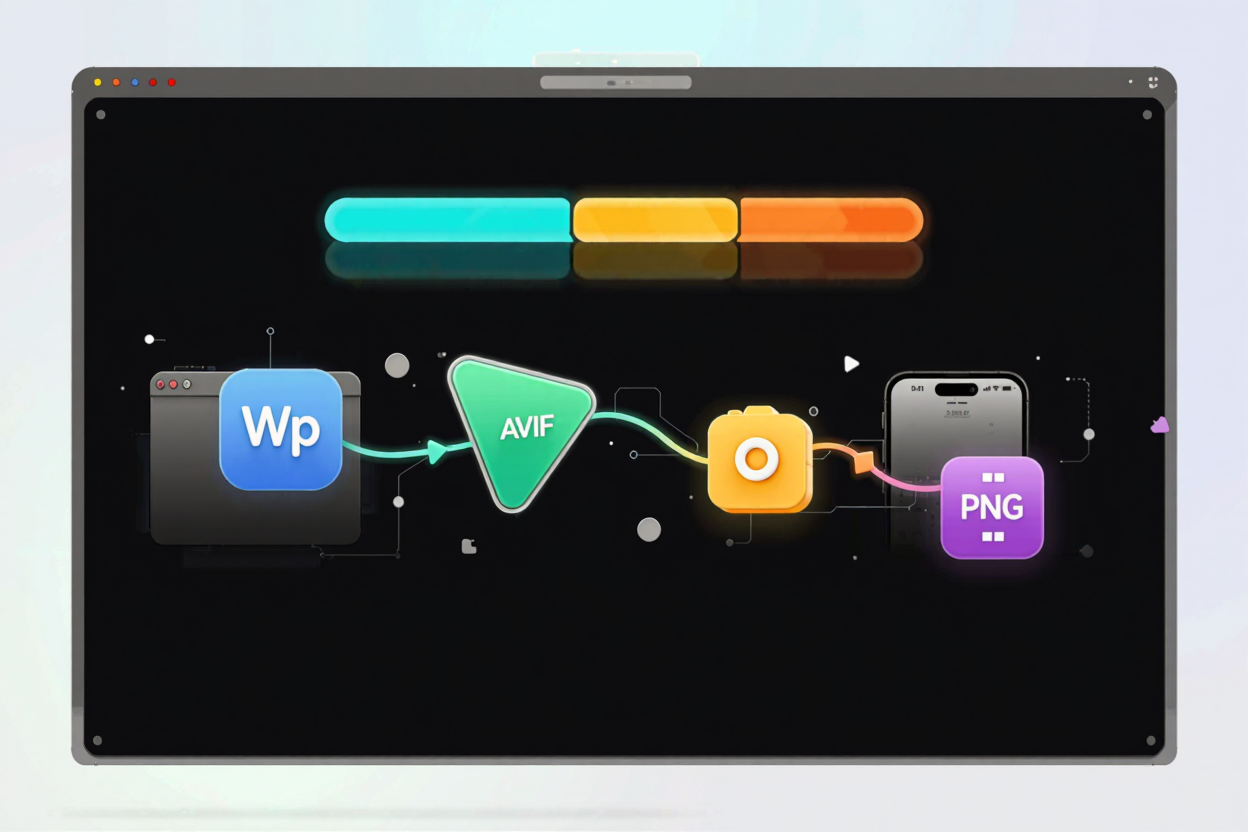
In today’s fast-paced digital world, website performance is paramount. Users expect instant loading times, and search engines reward sites that deliver a snappy experience. A significant contributor to page load speed is image file size, and traditional formats like PNG and JPEG, while widely supported, often come with a performance cost.
This is where next-generation image formats step in. These advanced formats offer superior compression capabilities, leading to smaller file sizes without compromising visual quality. Adopting them can significantly boost your website’s speed, improve user experience, and enhance your search engine optimization (SEO) efforts.
Understanding Next-Gen Image Formats
The primary players in the next-gen image format landscape are WebP and AVIF. Both were developed to address the limitations of older formats, offering better compression and more advanced features.
WebP: The Google-Backed Standard
WebP, developed by Google, has been around for over a decade. It supports both lossy and lossless compression, as well as animation and alpha channel transparency. WebP images are typically 25-34% smaller than comparable JPEG and PNG files, making them an excellent choice for web optimization.
Its widespread browser support, including Chrome, Firefox, Edge, Safari, and Opera, makes it a safe and effective choice for most web projects. Many content management systems and image optimization tools now natively support WebP conversion.
AVIF: The Future of Image Compression
AVIF (AV1 Image File Format) is a newer format based on the AV1 video codec. It offers even more significant file size reductions, often 30-50% smaller than WebP, and up to 50-80% smaller than JPEG. AVIF supports high dynamic range (HDR), wide color gamut, and various color depths, making it ideal for high-quality imagery.
While AVIF boasts superior compression, its browser support is still growing. Chrome, Firefox, and Opera fully support it, but Safari and Edge have been slower to adopt. Despite this, its potential for performance gains makes it a crucial format to consider for future-proofing your website.
Why Adopt Next-Gen Image Formats?
The benefits of moving to WebP and AVIF extend beyond just smaller file sizes. They contribute to a holistic improvement in your website’s overall performance and user satisfaction.
Enhanced Page Load Speed
Smaller image files mean less data needs to be transferred over the network. This directly translates to faster page load times, a critical factor for user retention and conversion rates. Pages that load quickly keep visitors engaged longer.
Improved SEO Rankings
Page speed is a core ranking factor for search engines like Google. By reducing image file sizes, you directly improve your Core Web Vitals, such as Largest Contentful Paint (LCP). This can lead to higher search engine rankings and increased organic traffic.
Better User Experience (UX)
Users appreciate fast-loading websites. A seamless browsing experience reduces bounce rates and encourages deeper engagement with your content. Images that appear instantly enhance the visual appeal and professionalism of your site.
Reduced Bandwidth Costs
For websites with high traffic or large image libraries, smaller file sizes can lead to significant savings on bandwidth costs. This is particularly beneficial for global audiences or users on limited data plans.
Practical Adoption Strategies
Implementing next-gen image formats requires a thoughtful approach, especially given the varying browser support.
The <picture> Element for Responsive Images
The HTML <picture> element is your best friend for serving next-gen formats while maintaining backward compatibility. It allows you to specify multiple image sources, letting the browser choose the most appropriate format it supports.
<picture>
  <source srcset="image.avif" type="image/avif">
  <source srcset="image.webp" type="image/webp">
  <img src="image.png" alt="Descriptive Alt Text">
</picture>
In this example, the browser will try to load the AVIF image first. If it doesn't support AVIF, it will try WebP. If neither is supported, it falls back to the traditional PNG image. Remember to compress your PNG files for free before using them as a fallback.
Server-Side Detection and Content Delivery Networks (CDNs)
For more advanced setups, you can configure your server to detect the browser's capabilities and serve the optimal image format dynamically. Many CDNs offer this feature as part of their optimization services, automatically converting and serving images in the most efficient format.
This approach offloads the complexity from your website's code and ensures that users always receive the best possible image for their device and browser.
Batch Conversion and Workflow Integration
Converting your existing image library can be a daunting task. Utilize batch conversion tools or plugins for your CMS (e.g., WordPress, Shopify) that can automate the process. Integrate these conversions into your image upload workflow so new images are automatically optimized.
For existing PNG files, it's crucial to compress your PNG files for free before or during the conversion to next-gen formats to ensure the smallest possible base file size. This double optimization yields the best results.
The Role of Optimization Tools
Even with next-gen formats, optimization remains key. Tools like a dedicated PNG optimization tool ensure that your fallback images are as small as possible. This is vital because not all browsers support WebP or AVIF, and you want those users to still have a fast experience.
Furthermore, for other types of document optimization, consider tools that can <a href="https://pdfalone.com/tools/compress-pdf" target="_blank" rel="noopener noreferrer">Compress PDF</a>. A holistic approach to file size reduction across all your digital assets contributes significantly to overall site performance and user experience.
Future Outlook
As browser support for AVIF continues to grow and new image formats emerge, the web will become even faster and more visually rich. Staying abreast of these developments and proactively adopting new technologies will keep your website competitive and high-performing.
FAQ
Q: Do I need to convert all my existing images to WebP or AVIF?
A: While it's highly recommended for performance, you don't necessarily need to convert all images immediately. Prioritize high-traffic pages, hero images, and images above the fold where the impact on LCP is most significant. Use the <picture> element to provide fallbacks.
Q: What about animated images? Can WebP and AVIF replace GIFs?
A: Yes, both WebP and AVIF support animation and are significantly more efficient than GIFs. WebP animations are often much smaller than equivalent GIFs, and AVIF offers even better compression for animated content, making them excellent replacements.
Q: Will using next-gen formats negatively impact image quality?
A: When properly optimized, next-gen formats like WebP and AVIF can achieve significant file size reductions with imperceptible loss in visual quality for most users. They often support a wider color gamut and higher bit depths than older formats, potentially even enhancing quality in some cases.
Embracing next-gen image formats is no longer an option but a necessity for any website aiming for peak performance and user satisfaction. Start converting your images today to unlock a faster, more efficient web experience for your visitors.