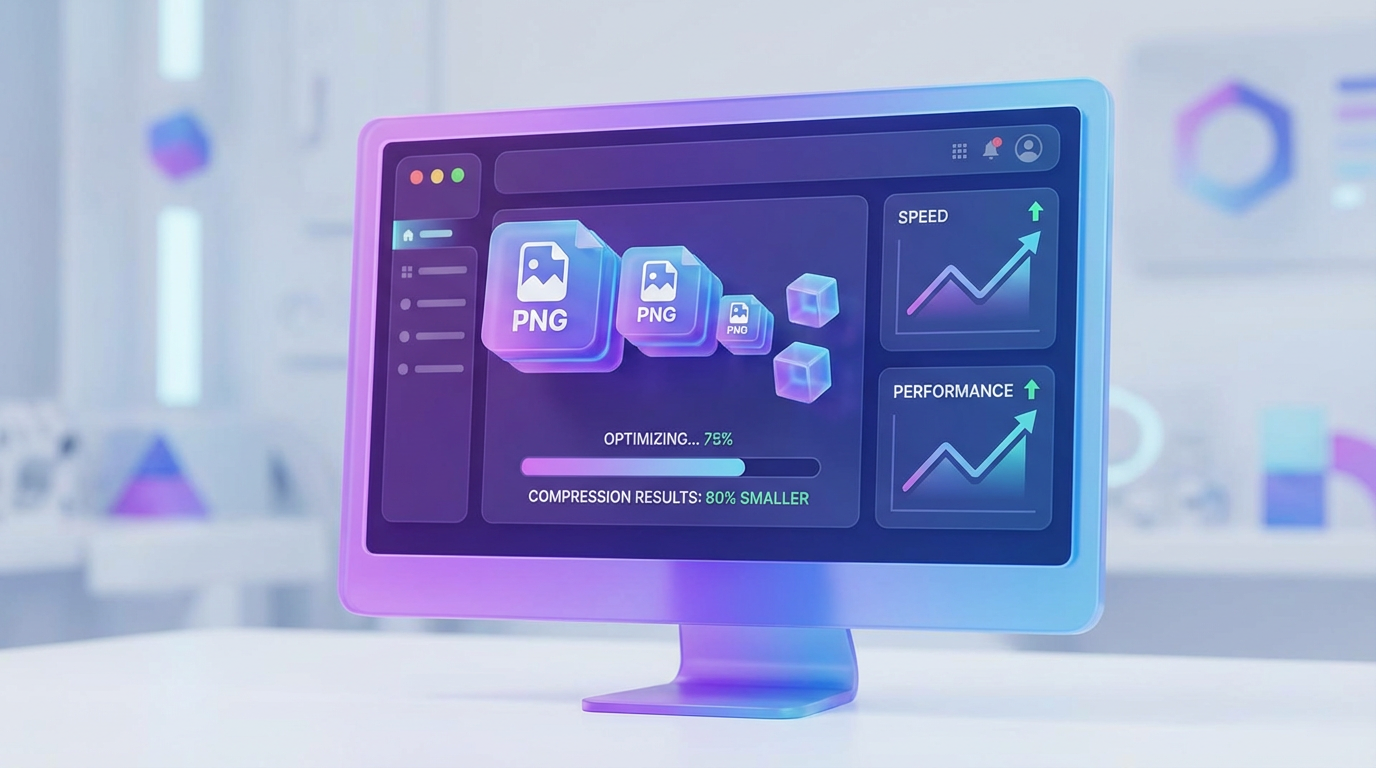
How PNG Compression Actually Works
PNG files use lossless compression, meaning the image can be reconstructed exactly without losing visual information.
The compression process typically works in two stages:
Image data filtering (predicting pixel values)
Data compression using algorithms such as LZ77 and Huffman coding
This process removes redundant data and reduces file size without damaging the image.
7 Practical Ways to Optimize PNG Images
Remove Unnecessary Data PNG files often contain hidden information like editing history and metadata. Removing these extra data chunks can reduce the file size without affecting the image quality.
Reduce the Number of Colors Many PNG images use far more colors than necessary.
Reducing color depth (for example converting a 24-bit image to 8-bit) can reduce file size dramatically while keeping the image visually identical in many cases.
Resize Images Before Uploading Uploading oversized images is one of the most common website mistakes.
For example:
Image uploaded: 4000px width
Image displayed on website: 800px
This wastes bandwidth and slows down loading time.
Use PNG for the Right Type of Images PNG is ideal for:
logos
UI icons
screenshots
graphics with transparency
But for large photographs, formats like JPEG or WebP usually produce smaller file sizes.
Use Bulk Compression Tools Online compression tools allow you to upload multiple PNG images and compress them instantly.
These tools analyze image data and remove unnecessary information while preserving the visual appearance.
Optimize Images for Mobile Devices More than half of internet traffic comes from mobile devices.
Large PNG images can make mobile pages extremely slow, so always optimize images for smaller screens and faster loading.
Combine PNG Optimization with Other Performance Techniques For best results, combine image optimization with:
browser caching
CDN delivery
lazy loading
compressed CSS and JavaScript
These techniques work together to create a faster website.