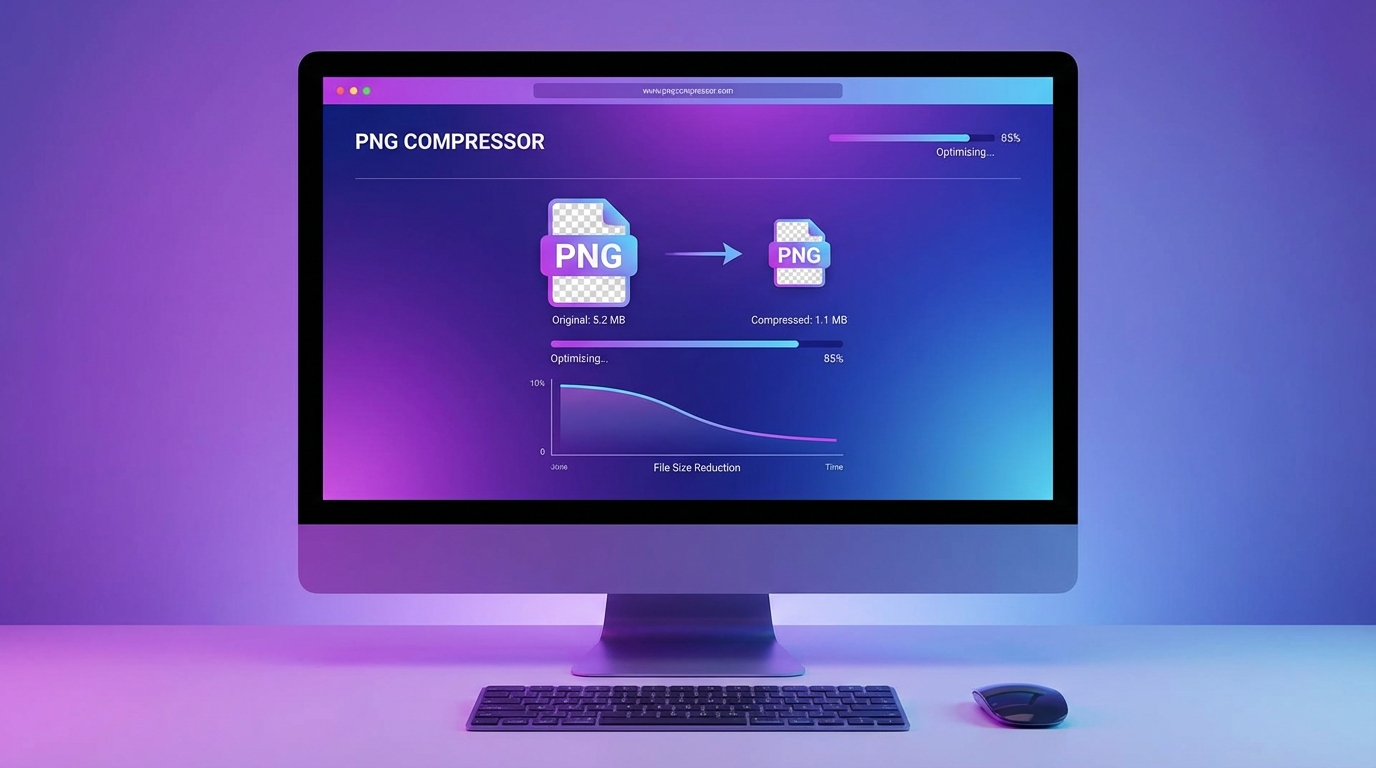
What Is a PNG Compressor?
A PNG compressor is a tool designed to reduce the file size of PNG images while preserving their visual quality. PNG files are known for their high-quality graphics and support for transparency, but they can often become very large.
Large PNG files can slow down websites, increase storage usage, and make sharing images more difficult. A PNG compressor solves this problem by removing unnecessary data and optimizing the image structure.
Using an online PNG compressor makes the process fast and simple without requiring any software installation.
Why PNG Files Are Often So Large
PNG images use lossless compression, which means they keep all image data intact. While this ensures excellent image quality, it also means the files are often larger compared to other formats.
Several factors can increase PNG file size:
high image resolution
unnecessary metadata
large color palettes
inefficient image encoding
A PNG compressor analyzes the image and removes redundant information to reduce the file size.
Benefits of Using an Online PNG Compressor
Using an online PNG compressor offers several advantages.
Quick and Easy Compression
You can upload an image and compress it instantly without installing any programs.
No Quality Loss
Modern compression algorithms optimize PNG images while keeping the original visual quality.
Faster Website Performance
Compressed images help websites load faster, improving both user experience and search rankings.
Easy File Sharing
Smaller PNG files are easier to upload, send, and store.
How to Compress PNG Images Online
Compressing PNG images online is usually a simple process.
Upload your PNG image to the compressor tool
The tool automatically optimizes the image
Download the compressed PNG file
The entire process usually takes only a few seconds.
Who Should Use a PNG Compressor?
PNG compression tools are useful for many types of users:
Web developers who want faster loading websites.
Designers who work with icons, graphics, and transparent images.
Bloggers and content creators who upload many images to their websites.
Online store owners who need optimized product images.
Tips for Getting the Best Compression Results
To achieve the best results when using a PNG compressor:
upload images with the correct resolution
avoid unnecessary large images
compress images before uploading to your website
optimize images regularly for new content
These simple steps help maintain fast-loading pages and efficient storage usage.
Final Thoughts
PNG images are excellent for high-quality graphics and transparent images, but they can often be too large for efficient web use.
A PNG compressor helps reduce file size while keeping images sharp and clear. By compressing PNG images before uploading them to your website, you can improve loading speed, save storage space, and provide a better experience for your visitors.