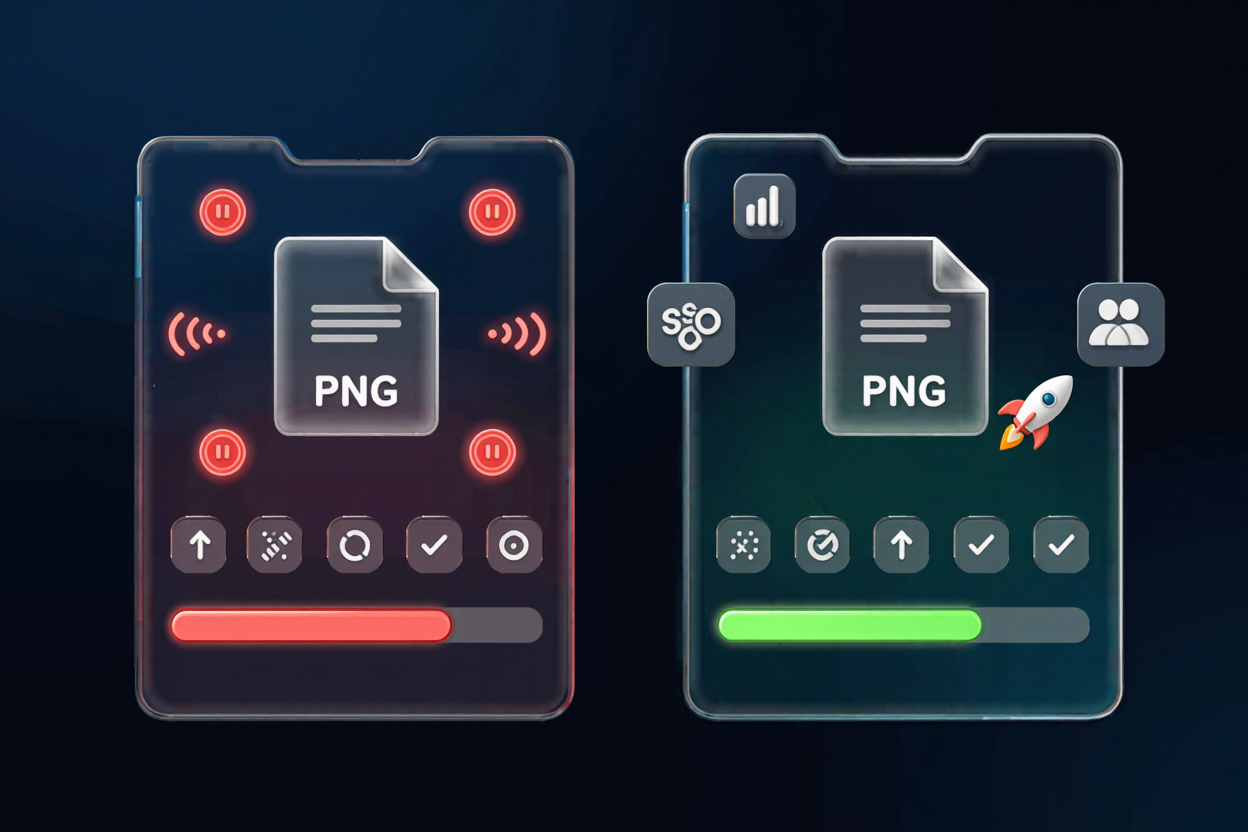
Mastering PNG Compression: Techniques for Faster Websites and Sharper Images
In today's digital landscape, website speed is paramount. High-quality images, while visually appealing, often come with a hidden cost: large file sizes that slow down your site, frustrate users, and even hurt your search engine rankings. PNG files, beloved for their transparency and crisp detail, are particularly susceptible to this issue.
But what if you could have the best of both worlds? What if you could maintain stunning image quality and achieve lightning-fast loading times? The answer lies in effective PNG compression. This comprehensive guide will delve into the world of optimizing PNGs, equipping you with the knowledge and tools to transform your website's performance and visual appeal. We'll explore various techniques and show you how pngminify.com can be your go-to solution.
Why PNG Compression is Non-Negotiable for Your Website
Optimizing your PNG images isn't just a technical tweak; it's a strategic move that impacts multiple facets of your online presence. Ignoring PNG compression can lead to a cascade of negative consequences, from user dissatisfaction to reduced visibility.
1. Supercharge Your Website Speed
Large image files are the primary culprits behind slow loading times. When a user visits your site, their browser has to download every element, including images. Heavily optimized PNGs significantly reduce the amount of data transferred, leading to a snappier, more responsive website. This directly translates to a better user experience, as visitors are less likely to abandon a fast-loading site.
2. Enhance User Experience (UX)
A fast website is a pleasant website. Users expect instant gratification, and even a few seconds of delay can lead to frustration and bounce. By using efficient PNG compression, you ensure a smooth browsing experience, keeping visitors engaged and encouraging them to explore more of your content. This improved UX can boost conversion rates and foster loyalty.
3. Improve Your Search Engine Optimization (SEO)
Search engines like Google prioritize fast-loading websites. Site speed is a confirmed ranking factor, meaning that a slow site can negatively impact your visibility in search results. Implementing robust web image optimization strategies, including PNG compression, signals to search engines that your site provides a good user experience, potentially leading to higher rankings and more organic traffic.
4. Save Bandwidth and Storage Costs
For websites with high traffic or those hosted on platforms with bandwidth limits, every byte counts. Reducing PNG file size directly translates to lower bandwidth consumption. This can lead to significant cost savings, especially for large-scale operations. Furthermore, smaller files occupy less server storage, which can also reduce hosting expenses.
5. Boost Mobile Performance
Mobile devices often rely on slower data connections, making image optimization even more critical. A large PNG file that might load acceptably on a desktop with broadband can be a crawl on a mobile network. Effective PNG compression ensures that your website remains fast and accessible to mobile users, who now constitute the majority of internet traffic.
Understanding the PNG Format: When and Why to Use It
Before we dive into compression techniques, it's essential to understand what makes PNG unique and when it's the best choice for your images. PNG (Portable Network Graphics) is a raster graphics file format that supports lossless data compression.
PNG excels in situations where transparency and sharp edges are crucial. It's the go-to format for logos, icons, illustrations, screenshots, and graphics that require a transparent background. Unlike JPEGs, which are optimized for photographs and use lossy compression, PNGs preserve every pixel of detail, making them ideal for graphics where fidelity is paramount.
However, this fidelity often comes at the cost of larger file sizes compared to JPEGs, especially for complex images with many colors. This is precisely why optimize PNG strategies are so vital.
Lossless vs. Lossy PNG Compression: Choosing Your Approach
When it comes to PNG compression, you primarily encounter two types: lossless and lossy. Understanding the difference is key to making informed decisions for your image optimization strategy.
Lossless PNG Compression
Lossless compression, as the name suggests, reduces file size without discarding any image data. The decompressed image is pixel-for-pixel identical to the original. This is achieved by identifying and removing redundant information within the file, such as repeating patterns or inefficient data encoding.
Pros:
- Perfect image quality retention.
- Ideal for images where every detail is critical (e.g., logos, technical diagrams, screenshots).
Cons:
- Smaller file size reduction compared to lossy methods.
Examples of lossless techniques include Huffman coding, DEFLATE algorithm, and various filtering methods. Most dedicated PNG optimizer tools, including pngminify.com, primarily use highly efficient lossless algorithms to achieve significant reductions without quality compromise.
Lossy PNG Compression
Lossy compression, on the other hand, achieves greater file size reductions by permanently discarding some image data. While this can lead to a noticeable drop in quality if overdone, it can be extremely effective for certain types of images.
Pros:
- Achieves much smaller file sizes.
- Can be acceptable for images where slight quality degradation is imperceptible (e.g., some photographic-style images saved as PNGs, though JPEG is usually better for these).
Cons:
- Irreversible loss of image data.
- Can introduce artifacts or blurriness if aggressively applied.
It's important to note that pure