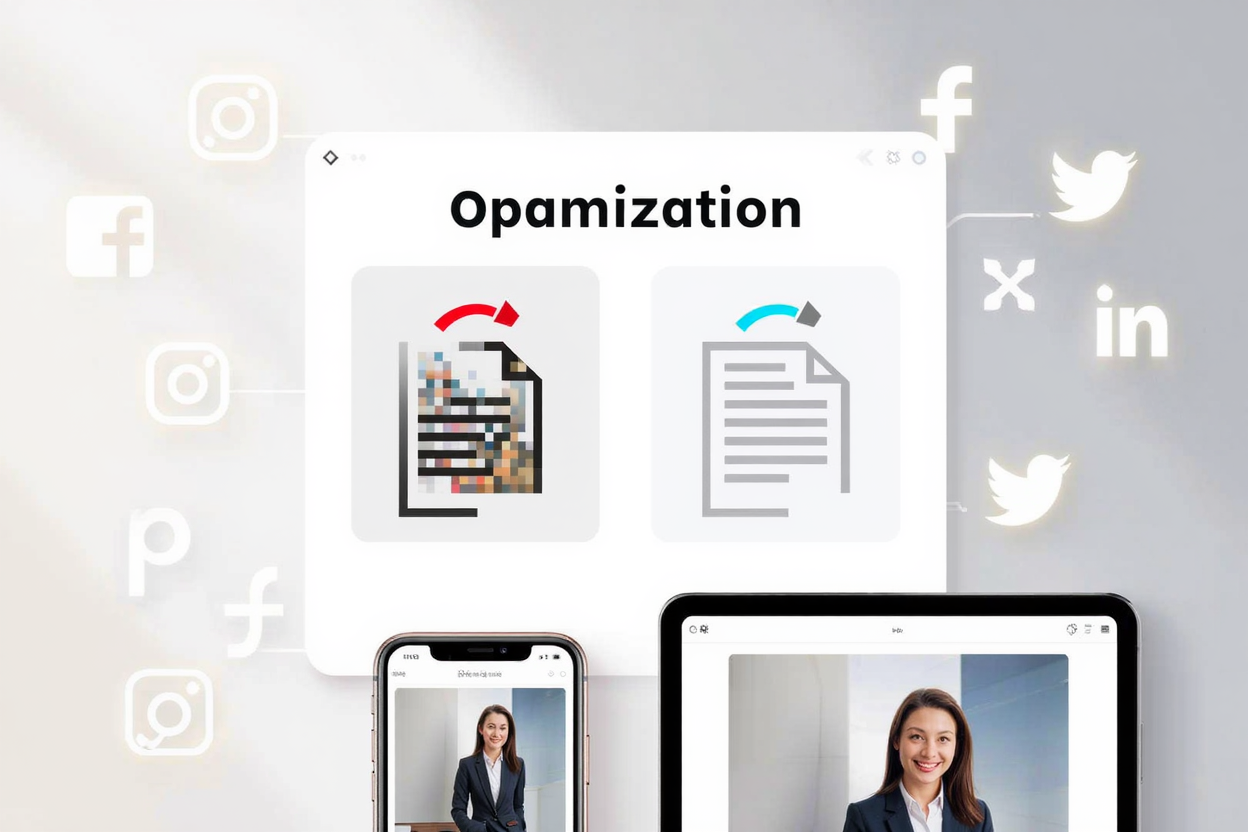
In today's visually-driven digital landscape, your images are often the first impression you make on social media. High-quality, optimized visuals are crucial for capturing attention, driving engagement, and effectively communicating your message across various platforms. Poorly optimized images can lead to slow loading times, pixelation, and a missed opportunity to connect with your audience.
Why Image Optimization Matters for Social Media Success
Optimizing your images isn't just about making them look good; it's about enhancing their performance and impact. Fast-loading, crisp images contribute significantly to a positive user experience, which social media algorithms often favor. When your content loads quickly and looks professional, viewers are more likely to stop scrolling, engage with your post, and even share it. This translates directly into increased reach and better overall campaign performance.
Faster Loading Times and Improved User Experience
Large image files can significantly slow down page load times, a critical factor for user retention on social media. Users have little patience for content that takes too long to appear, often abandoning posts before they even load completely. By optimizing images, you ensure they load quickly, providing a seamless and enjoyable experience for your audience, which encourages longer engagement.
Enhanced Engagement and Professionalism
Visually appealing images naturally attract more attention. High-resolution, properly formatted images reflect professionalism and attention to detail, building trust and credibility with your audience. Pixelated, stretched, or slow-loading images can detract from your brand's image, making your content appear amateurish and less trustworthy. Optimized images convey quality and care.
Key Strategies for Optimizing Social Media Images
Effective image optimization involves several key steps, from choosing the right file type to understanding platform-specific requirements. Implementing these strategies will ensure your visuals perform optimally across all your social media channels.
Choose the Right Image Format
The file format you choose can significantly impact image quality and file size.
- JPEG (JPG) is ideal for photographs and complex images with many colors, as it offers good compression with minimal perceived quality loss.
- PNG is perfect for graphics, logos, images with transparent backgrounds, or those requiring sharp lines and text. While PNGs often have larger file sizes than JPEGs, they offer superior quality for specific uses.
- WebP is a newer format offering superior compression for both lossy and lossless images, but its support isn't universal across all social platforms yet. For social media, sticking to optimized JPEGs and PNGs is generally the safest and most effective approach.
Understand Social Media Dimensions and Aspect Ratios
Each social media platform has preferred image dimensions and aspect ratios for different types of posts (feed, stories, profile pictures, cover photos). Using the correct dimensions prevents images from being cropped awkwardly, stretched, or compressed poorly by the platform's algorithm. For instance, Instagram feed posts often prefer a 1:1 or 4:5 ratio, while Facebook cover photos have specific landscape dimensions. Always check the latest recommendations for each platform to ensure your images look their best.
Compress Images Without Losing Quality
File size is a major factor in loading speed. Compressing your images reduces their file size without significantly compromising visual quality. This is especially crucial for PNG files, which can be quite large. Using a reliable compression tool is vital to strike the right balance. You can easily compress your PNG files for free to ensure they load quickly on any device, enhancing the user experience. This process helps maintain crispness while drastically reducing bandwidth usage.
Optimize File Names and Alt Text
While not directly visible on social media feeds, optimizing file names and adding descriptive alt text can indirectly benefit your content. Alt text helps visually impaired users understand your images and provides context to search engines, which can contribute to better visibility for your content if it's shared or indexed elsewhere. Use concise, descriptive keywords in both file names and alt text.
Maintain Consistent Color Profiles
Most digital displays use the sRGB color profile. Ensuring your images are saved in sRGB helps maintain color accuracy and consistency across different devices and platforms. If your images are saved in a different profile, they might appear washed out or oversaturated when viewed on social media.
Convert HEIC Files for Wider Compatibility
Many modern smartphones, particularly iPhones, capture photos in the HEIC format to save storage space. While efficient, HEIC files are not universally supported across all social media platforms or older devices. Before uploading, it's often necessary to convert these files to a more compatible format like PNG or JPEG. Our <a href="https://convertminify.com/tools/heic-to-png" target="_blank" rel="noopener noreferrer">HEIC to PNG Converter</a> makes this process simple and quick, ensuring your high-quality photos can be shared widely.
Leverage a Powerful PNG Optimization Tool
To streamline your image optimization workflow, especially for graphics, logos, and images with transparency, a dedicated PNG optimization tool is indispensable. Such tools intelligently reduce file size by stripping unnecessary metadata, reducing color depth, and applying efficient compression algorithms without visible quality loss. This ensures your PNGs are web-ready and performant.
Best Practices Checklist
- Crop and Resize: Adjust dimensions to platform-specific requirements.
- Compress: Reduce file size using a tool like PNGMinify.
- Format: Choose PNG for graphics/transparency, JPEG for photos.
- Alt Text: Add descriptive alt text for accessibility and context.
- Color Profile: Ensure sRGB for consistent color display.
- Preview: Always check how your image looks on the actual platform before publishing.
FAQ
What is the ideal resolution for social media images?
While specific dimensions vary by platform, generally aiming for 72 DPI (dots per inch) is sufficient for web and social media. The key is to meet the platform's pixel dimensions rather than high DPI, which is more relevant for print.
Does optimizing images affect their quality?
When done correctly with a good compression tool, image optimization minimizes file size with little to no perceptible loss in quality. Tools like PNGMinify use intelligent algorithms to achieve significant file size reductions while preserving visual integrity.
How often should I optimize my images?
You should optimize every image before uploading it to social media or any web platform. This is a crucial step in the content creation workflow to ensure optimal performance and user experience from the outset.
Take Your Social Media Visuals to the Next Level
Optimizing your images for social media sharing is a non-negotiable step for anyone looking to maximize their online impact. By following these guidelines and utilizing efficient tools, you can ensure your visuals load quickly, look stunning, and effectively engage your audience. Start making your social media images shine today; you can easily compress your PNG files for free and experience the difference.