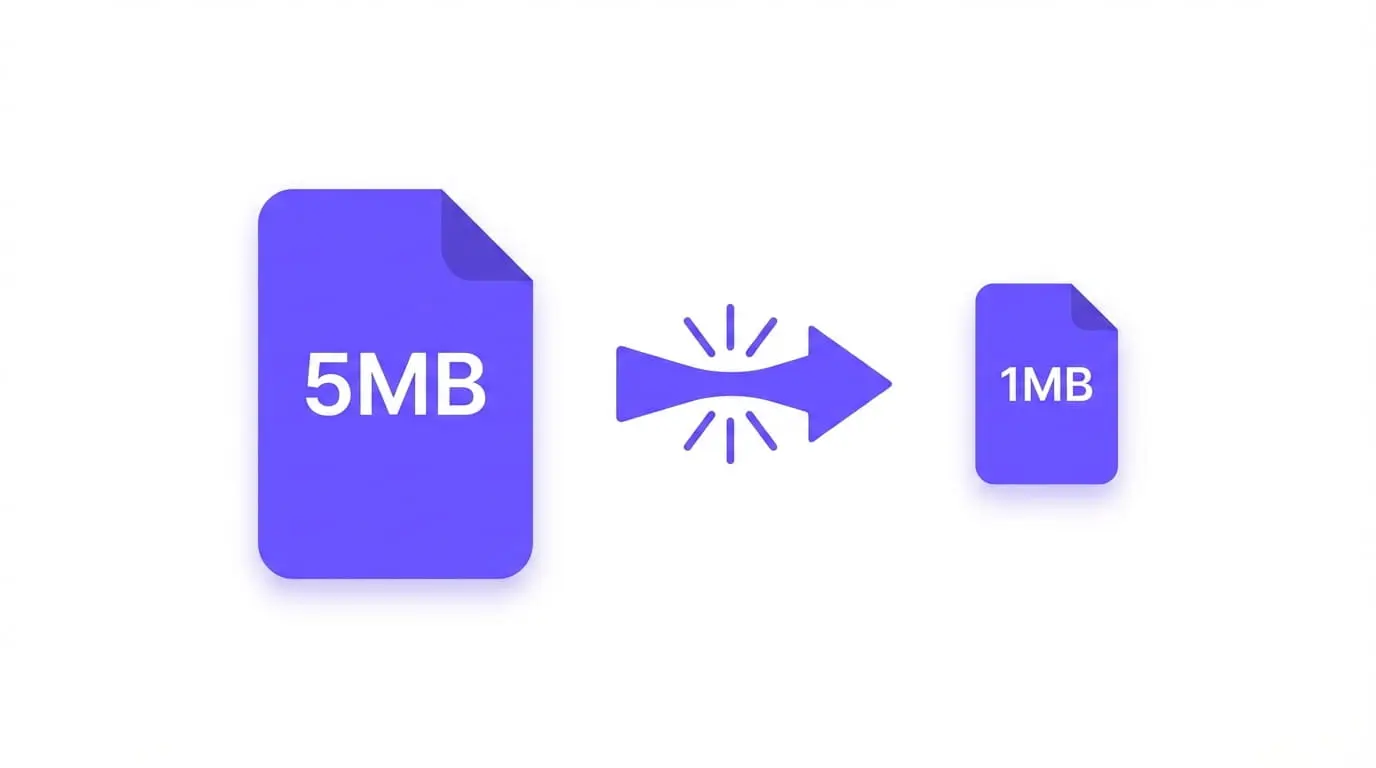
Why PNG Files Are So Large PNG is a lossless format — it keeps every pixel perfectly. This is great for quality, but terrible for file size. A single PNG screenshot can easily be 3–5 MB.
For websites, large images mean slow load times, poor Core Web Vitals scores, and frustrated users.
How PNG Compression Works PNG compression works by removing redundant data without changing visible quality. There are two types:
Lossless compression — removes metadata and optimizes internal structure. Quality stays identical.
Lossy compression — slightly reduces color depth. Quality loss is invisible to the human eye, but file size drops dramatically.
PNG Minify uses lossy compression to achieve up to 80% size reduction.
Step-by-Step: Compress PNG in Your Browser Go to pngminify.com Drag & drop your PNG files onto the upload zone Adjust the quality slider (80% is the sweet spot) Click Download or Download All No signup. No upload to server. Everything happens in your browser.
Best Settings for Different Use Cases For website images: 70–80% quality — best balance of size and clarity.
For UI assets and icons: 85–90% quality — preserves sharp edges.
For photos: 60–75% quality — photos handle compression better than graphics.
PNG vs JPG vs WEBP — Which Should You Use? Format Best For Compression PNG Graphics, logos, screenshots Lossless JPG Photos Lossy WEBP Everything Best If your tool or platform supports WEBP, consider converting. But if you need PNG, compressing it is the next best step.
How Much Can You Compress a PNG? Results vary by image type:
Screenshots: 40–70% smaller Photographs saved as PNG: 50–80% smaller Simple graphics/icons: 20–40% smaller Try It Free PNG Minify compresses your images entirely in the browser. Your files never leave your device.
Compress your PNG now →